MSP Direct Mail: The Hyper-Personalized Cyber Score Strategy
TL;DR
Generic direct mail is dead. To get past the "receptionist filter," your postcards must look like they were made specifically for that one company. By using Cyber Score data and dynamic image printing, you can send postcards featuring the prospect’s own logo, employee faces, and actual dark web breach counts.
Why Personalized Mail Beats Digital Noise
In an era of overflowing inboxes, a physical postcard that says "We found 42 leaked credentials for [Company Name]" stands out. It signals that you’ve already done work on their behalf, making it feel like a high-value report rather than "junk mail."
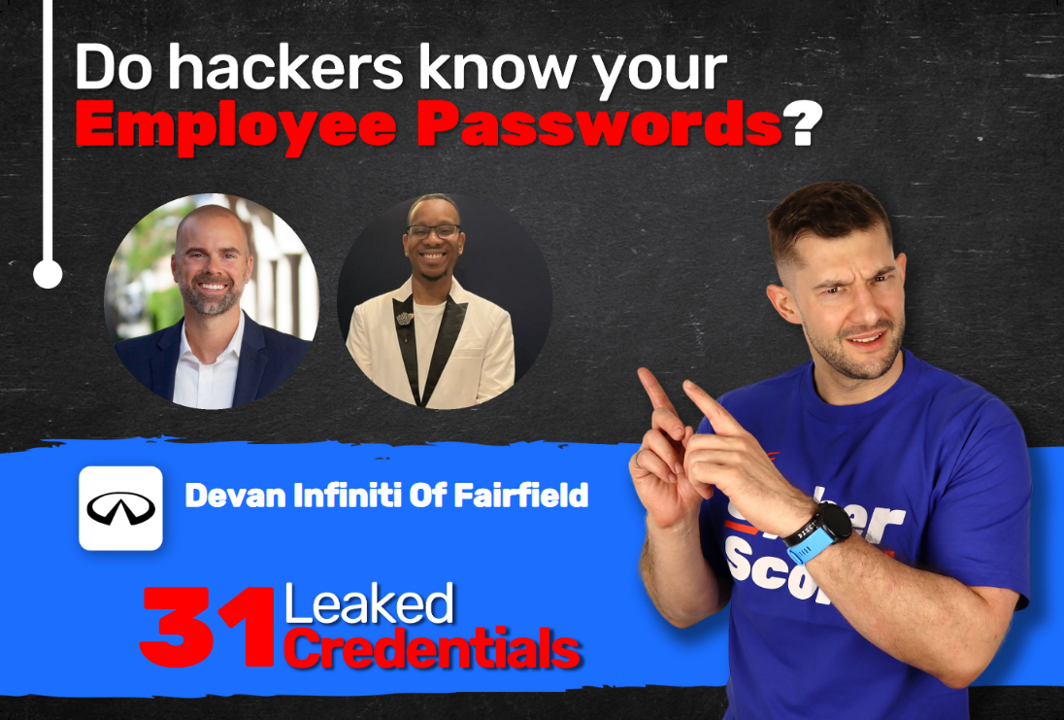
Check out this hyper-personalized Cyber Score postcard with the number of Dark Web breaches and the LinkedIn profile pictures specifically for the recipient
The Data: What to Include for Maximum Impact
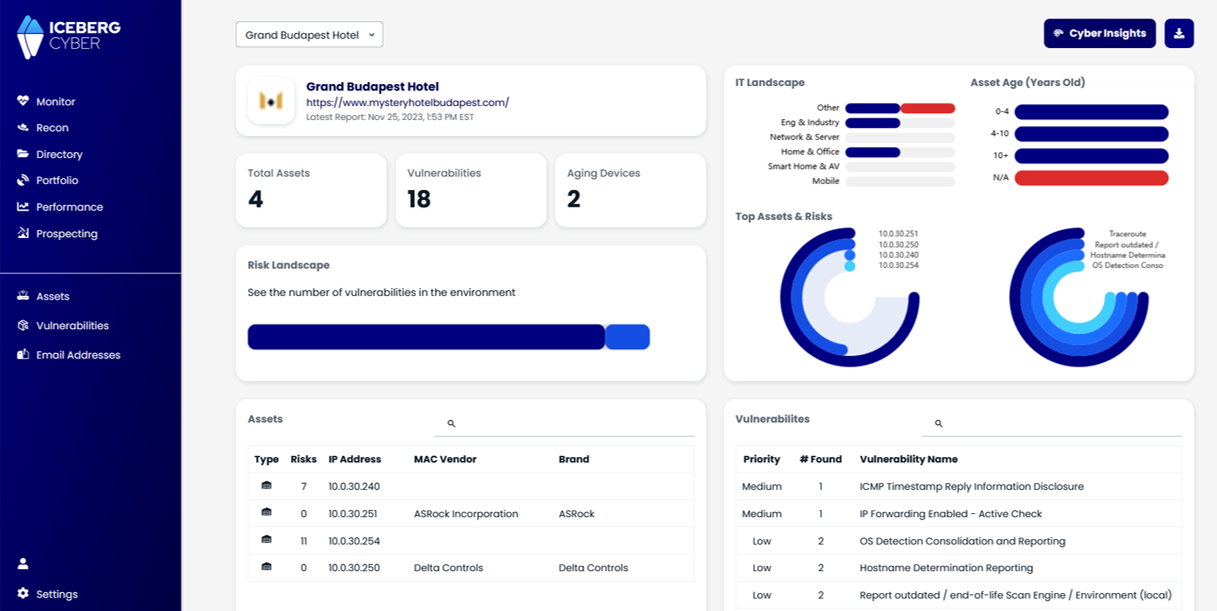
Your Cyber Score assessment tool provides the ammunition. Export these specific fields to your CSV:
The Hook: Total count of leaked credentials/breaches.
The Recognition: The company's own logo (via URL).
The "Pattern Interrupt": LinkedIn profile pictures of their actual employees.
The Metric: Their current Cyber Score percentage (e.g., "Your score is 42%").
The Execution: Finding a "Dynamic" Printer
The secret sauce isn't just mail merge (text); it’s Dynamic Image Merging. Most local printers can't do this. You need a platform (like Stannp.com) that can:
Read an image URL from your spreadsheet.
Fetch that specific image (Logo or LinkedIn photo).
Print it on the fly onto the postcard.
Pro Tip: Always verify with the vendor: "Can your system pull images dynamically from a URL in my CSV?" If they say no, the campaign won't work.
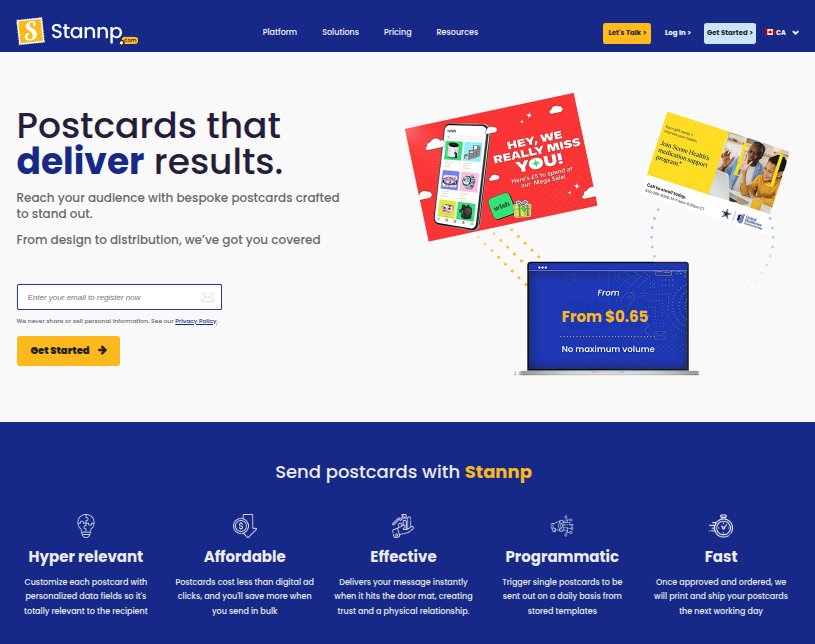
Stannp.com postcard marketing platform homepage showcasing direct mail solutions and features like affordability and fast delivery for effective campaigns.
Setup of the postcard design inside the Stannp.com Designer. Insert the background artwork and the placeholders for the dynamically populated images and text
The Workflow: 4 Steps to Send
Assess: Run your target domains through your Cyber Score tool.
Export: Create a CSV with the company name, breach count, logo URL, and employee photo URLs.
Design: Upload a background template to your print partner's portal and map the CSV fields to "placeholders" on the card.
Track: Include a unique QR code leading to a personalized landing page to track who is scanning your mailers.
Conclusion
Direct mail works when it creates a "pattern interrupt." Seeing their own employees' faces next to a dark web breach count creates immediate urgency that a cold email simply can't match.
Your First Step: Run a Cyber Score on your top 20 "Dream 200" prospects. If the breach counts are high, those are your first 20 postcards.


.png)




.jpg)
.png)