

Start using Cyber to power your prospecting.
Use LinkedIn + the Iceberg App to pinpoint B2B prospects, enrich leads with cyber intel, and automate outreach.
Use LinkedIn + the Iceberg App to pinpoint B2B prospects, enrich leads with cyber intel, and automate outreach via Dripify for high-impact results.
LinkedIn is purpose built for B2B prospecting. You can search people by job, company, location, industry, company size, and a few other parameters allowing for surgical pinpointing of your Ideal Client Profile (ICP).
Combine that with the Cyber Sales Intelligence you get in the Iceberg App, you have a powerful combo to:
Here's how it works...
All you need to start is a list of websites for your Ideal Client Profiles (ICP). There are a few easy ways you can get those:
This will be your list of who you want to prospect.
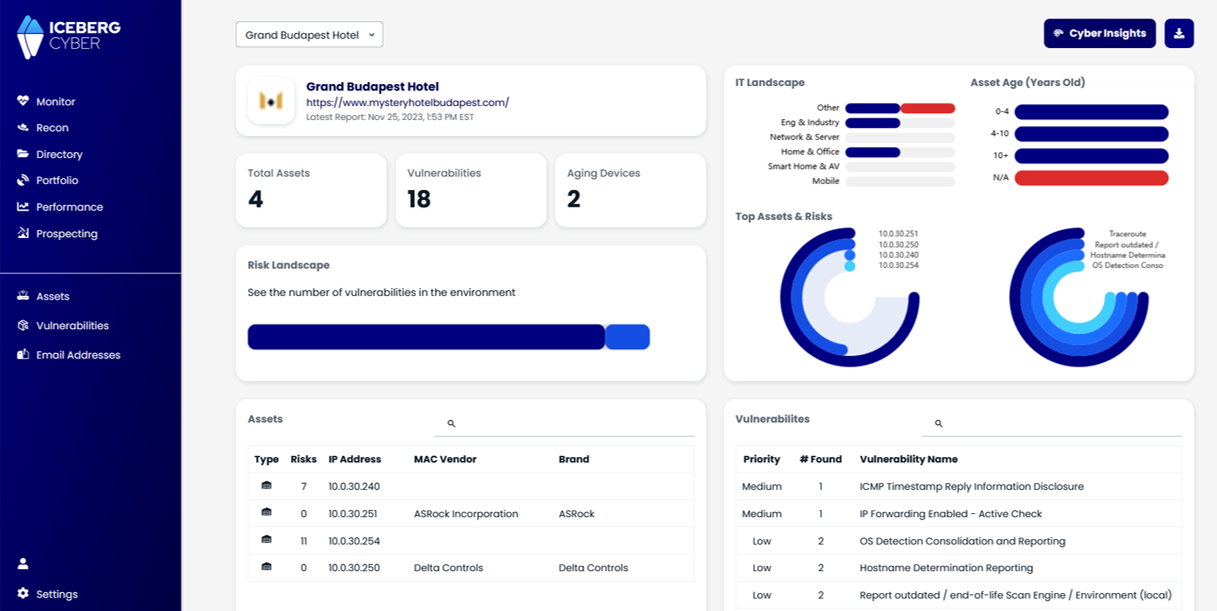
Use the Cyber Sales Intel tool inside the Iceberg App to get Cyber Scores for all your leads and the LinkedIn profile links for all their employees.
That's highly personalized cyber risk intel that only you will know for your prospects. That's the high impact personalized outreach that gets leads to response to your messages. Now we have what you're going to say. Try an opening line like this:
"Hey {firstname}. Doing some cyber safety outreach in my community. Noticed you have { # of dark web breaches} dark web breaches. The latest one's on your {name of latest breached account} cloud account. The fastest way to fix this is just to reset the password."
Dripify is the LinkedIn automation tool that I've used to add >6000 prospects to my network. With Dripify, all it takes is 15 minutes to export your leads list enriched with Cyber Sales Intel and start a LinkedIn outreach campaign. Here are the steps to get it done:
Remember: Simple and repeatable processes with help you grow. The best system is the one you'll actually execute
You don't need to be spammy or worry how to "do this at scale." Realistically, you don't need to get 6000 new conversations going on LinkedIn. Be focused and tactical. Send out the max number of connection requests per week (200). Expect 10% of them to accept your invite. That means you need to review 20/week who accepted the request. If they look like they would be a good prospect, or know someone who would be, send them a message. Talk to them. Ask them how their business is going. Then use the script above to talk to them about their Cyber Score. You'll be the only one talking to them about their cyber risk with such personalized intel. That's how you break the ice and get the convo started.
